Lightspeed Illuminati

Teaching tiny electrons to sit up and speak

Lightspeed Illuminati header image 1

Ebooks in the cloud

December 26th, 2011 · Amazon, Barnes & Noble, ebooks, electronic publishing

Cloud computing has captured the imaginations of computer users with a simple proposition: all of your stuff will always available in the cloud. Independent software vendors have been rolling out solution after solution to take advantage of this twist that adds a new wrinkle to the concept of digital content ownership. Photographs, music, email, banking records, magazines, movies, and—more recently—ebooks are floating around up there in that nebulous cosmic ether fashioned from free-flowing electrons skipping from server-to-server like children at a birthday party. No longer do you have to worry about losing your digital possessions as long as they are securely stored in the cloud where the mammoth server infrastructures of Google, Amazon, Apple, and others will back it up and protect it.

It’s not just kids storing their prom-party or ski-trip photos in the cloud or boomers consolidating their Steppenwolf and Grateful Dead albums on distant servers. The San Diego Supercomputer Center, with its initial capacity of 5.5 petabytes, serves as a repository for the academic community, storing data resulting from research studies for easier sharing among scientists. With a single sequencing of DNA requiring up to 28 terabytes of data, this academic cloud server plays a significant role in information storage and exchange for researchers.

When it comes to ebooks, we’ve become accustomed to downloading them to a device, often a dedicated ereader in the form of a Nook or a Kindle, and then reading them at our leisure. If we’re reading on more than one device at a time, we can typically sync to the last page read (Amazon’s Whispersync does a pretty good job most of the time and syncing across Nook ereaders is possible, though often problematic). Not to argue the appeal of dedicated ereaders, but if you’re interested in ebooks and you have just about any kind of computing device—from a smartphone to a tablet to a garden variety PC—you can easily browse, buy, and burrow into your favorite books, your library in the cloud, with a variety of easily accessible (and free) ereader apps. Because your library dwells in the cloud, it remains accessible wherever an Internet connection is available. Or, at least it is in theory. The company hosting your library has to stay in business. It’s not ownership of books so much as a long-term rental agreement.

This model, with variations from cloud service to cloud service, appears to be gaining momentum and the implications to our relationships and interactions with books, movies, music, and information are both subtle and profound. In terms of ebooks in the cloud, here are some of the developments that may shape and influence the reading experience.

Although the term “cloud” confuses many people, suggesting some mystical, ethereal construct, it’s nothing more than data centers out on the Internet, groups of servers that by design provide an extension to the resources internal to your computer—dispensing and storing files with silent efficiency. Cloud services are made possible by the fact that Internet bandwidth has reached the point, for most people, where it’s now practical to deliver hundreds of megabytes of content in a reasonable time.

3M Cloud Library

Given the trouble that many public libraries are having just keeping their doors open, many of them are angling to work ebooks into their offerings. The 3M Cloud Library makes a bid to simplify the use of ebooks within libraries, giving patrons the option to (as they put it) check out a book on an iPad, take notes while reading on a PC, and finish the book on an Android phone. In manner similar to the WhisperSync process used for Kindle books, the 3M Cloud Library keeps track of your place regardless of the device you happen to be using to read a book. Your local library, of course, has to have a subscription to the service and you need library credentials to use it. But, perhaps this approach will give libraries a means to keep their patrons during the shift from print to electronic publishing.

The 3M Cloud Library ereader app is available for the iPad/iPhone (see the following figure), Windows PC, and Android OS.

Kindle Cloud Reader

The Kindle Cloud Reader operates with several Web browsers (including Firefox 6+, Chrome 11+, Safari 5+, and Safari on the iPad) to give you full access to any of the ebooks you have purchased through Amazon. Designed using HTML-5 to behave as a Web app, the Kindle Cloud Reader lets you tap into your ebooks directly from the Amazon site—keeping your place in the process—even if you are skipping between smartphone, Kindle Fire, iPad, or other device. Amazon’s tagline is Buy Once, Read Anywhere and this ereader helps fulfill that promise.

Amazon is making an effective bid to knock down all barriers to purchasing and reading ebooks. The Kindle Cloud Reader offers an even lower entry point to the experience of ebook reading than the lowest cost Kindle ($79).

Apple iCloud ebooks

With the introduction of Apple’s iCloud, the cloud model gains full supremacy (in comparison with Apple’s earlier approach, where you purchased tunes or books and then had the responsibility of backing up this content yourself or risk losing it). With the iCloud approach, music purchases, ebooks, apps, documents, calendars, mail, and so on all reside on Apple servers (in the cloud). You can share any of this digital content among other devices you own; the cloud becomes the supreme repository for all your digital stuff. You can access your stuff on a range of devices anywhere you have Internet access.

With ebooks that you purchase through the iBookstore, each book purchased gets distributed to all your devices that are set up for iCloud. Notes, bookmarks, and highlights are synced and distributed, as well (and kept up-to-date). All books that you have purchased in the past are accessible and downloadable from your purchase history.


Google Books and the cloud

Like a lumbering giant trying to find its way through a thicket of blackberry bushes, Google has been seeking its natural position in the ebook world for several years, amidst copyright lawsuits, tentative offerings, and misaimed efforts. By forging alliances with smaller publishers and book outlets (Powell Books, ), tying its gigantic search engine into the ebook realm, and expanding the availability and broad access to public domain titles, Google seems to have gained their footing.

The Google Books cloud reader

An interesting feature of the Google Books reader is that many of the public domain books allow you to switch between Flowing Text and Scanned Pages. The Scanned Pages option captures all the characteristics of the original book (including wrinkles, tears, and notes from readers).

Moving to the Cloud

Most people aren’t likely to give up their Kindles or Nooks in favor of a cloud-only approach to reading, but reading ebooks in the cloud offers a pleasing complement to available possibilities and one that is likely to increase the popularity of ebooks.


Comments OffTags: ··

Scarcity and the cost of ebooks

September 27th, 2011 · ebooks, electronic publishing


How much should an ebook cost? Is $.99 the perfect price point? Is $12.99 too much?

On one side of the argument, you have people who are firmly convinced that since an ebook has no material substance—hence no need for printing, paper, physical distribution, returns, and so on—there is no justification for pricing beyond 2 or 3 dollars. The ebook is bits, not atoms. The ebook uploads and downloads in seconds, traveling ghost-like through wires and fiber optics, nearly weightless and silent until it arrives on your Kindle, nook, or iPad.

The other side of the argument takes into account more of the complexities of the publishing equation and the real costs. Ultimately, what something costs is whatever people will pay for it. If the publisher or epublisher has certain fixed costs in producing an ebook (editing, formatting, cover design, marketing), they certainly need to meet those costs to break even and start making a profit. If the demand is there, as it is with many name authors who have built up a loyal readership, a book in the pre-order phase can start climbing the popularity charts weeks before it is released, even if the pricing is at the upper end of the scale. Customer choice is an enormous factor in the pricing of books and most people won’t flinch at paying 12 or 13 dollars for the latest work from a favorite author—Stephen King, J.K. Rowling, John Irving, or Ann Patchett.

For example, Stephen King’s upcoming novel, 11/22/63, ranks #1,283 Paid in the Kindle Store, more than a month before its release date, November 8, 2011. The Kindle price is set at $18.99 ($16.99 if you pre-order). The full price for the hardcover edition is $18.42. As a reader, would you prefer to lug around the 960-page hardcover version or read King’s latest epic on a 9-oz Kindle? In this case, the extra cost of the Kindle version brings with it some positive benefits to the reader and my suspicion is that many people will opt for this unusually pricey ebook.

Part of the elusive pricing factor is what Nathan Bransford (a former literary agent with keen insights into publishing) calls Perception of Value:

Publishers can explain their costs and how e-books don’t save them much money until they’re blue in the face, but on a gut level many people simply don’t believe an e-book should cost $12.99. It feels too expensive. A lot of people will simply not buy one or even go and pirate a copy because they feel like they’re being ripped off.

Why could that be? Yes, you can’t put your hands on an e-book or resell it, but people willingly plop down $12.99 to go to a movie and you can’t put your hands on that or resell it either. Why have books suddenly become exorbitant at $12.99? Why is that too much to pay?

Well, it’s partly because $12.99 is competing against the upstart $2.99 Kindle bestsellers and some other lunatics named Charles Dickens and Herman Melville and Jane Austen, who are giving away their books for free!! (Which, ahem, may be because they’re long dead and in the public domain).

Another element in in the intricate question of pricing is scarcity. How difficult is it to obtain something I want? We know that with postage stamps, vintage automobiles, antique cameras, and, yes, rare books there are self contained markets and prices fluctuate according to demand and availability.

With ebooks, you have the electronic equivalent of a gumball machine that magically replenishes itself and can never run out of gumballs. It is incredibly easy to make a duplicate of an ebook file or to make 100,000 duplicates. How valuable is something that by its very nature—as long as there is one existing copy—can never become scarce?

This brings up the interesting notion of digital first editions. If an ebook could be issued in a certified, limited quantity first edition version—perhaps limited to 75 personalized, digitally signed copies—would consumers pay more for it? Book collectors pay large sums for first editions, especially if signed. Art collectors pay more for prints that are part of limited runs. The scarcity of the book or the artwork drives up the price and imbues the title with a degree of exclusiveness. Whether something like this could gain traction in the ebook world is an open question. Kindlegraph is exploring this concept. offering personalized digital inscriptions for over 8,000 titles.

At the moment, however, the big question for those venturing into ePublishing is: where should I set the price of my ebook? Sad to say, there is not an easy answer.

There are opinions all over the map on what constitutes a fair price for an ebook and how much an author self publishing an ebook should charge for it. Bestselling author Dean Wesley Smith believes that at this point everybody is just guessing and his feeling is the prices for a novel-length work will stabilize around $4.99 over time. A host of authors and bloggers point to the Amanda Hocking and John Locke million sellers to argue the ebook prices for independents should be set at $.99 to $1.99. Mike Shatzkin makes a case that agency pricing and high ebook prices boosts the revenue of all writers. Here’s a chart showing the relationship between total ebook revenues and ebook prices that offers interesting insights. In the meantime, a class action suit in California has been filed accusing Apple and five top publishers of ebook price fixing.

Over the months and years to come, as ePublishing matures and reader preferences coalesce with a measure of predictability and self-published authors refine their techniques for building audiences, pricing will fall into line naturally. And, my totally speculative prediction is that quality works—whether the products of big-name authors or unknowns debuting their first titles—will be recognized for their value. Taking the median price somewhere between those $.99 bargain-bin specials and $11.99 major publisher releases might be a pretty healthy price point for independent publishers.


Comments OffTags:

Voiceover techniques for professional results

May 29th, 2011 · presentations, voiceovers

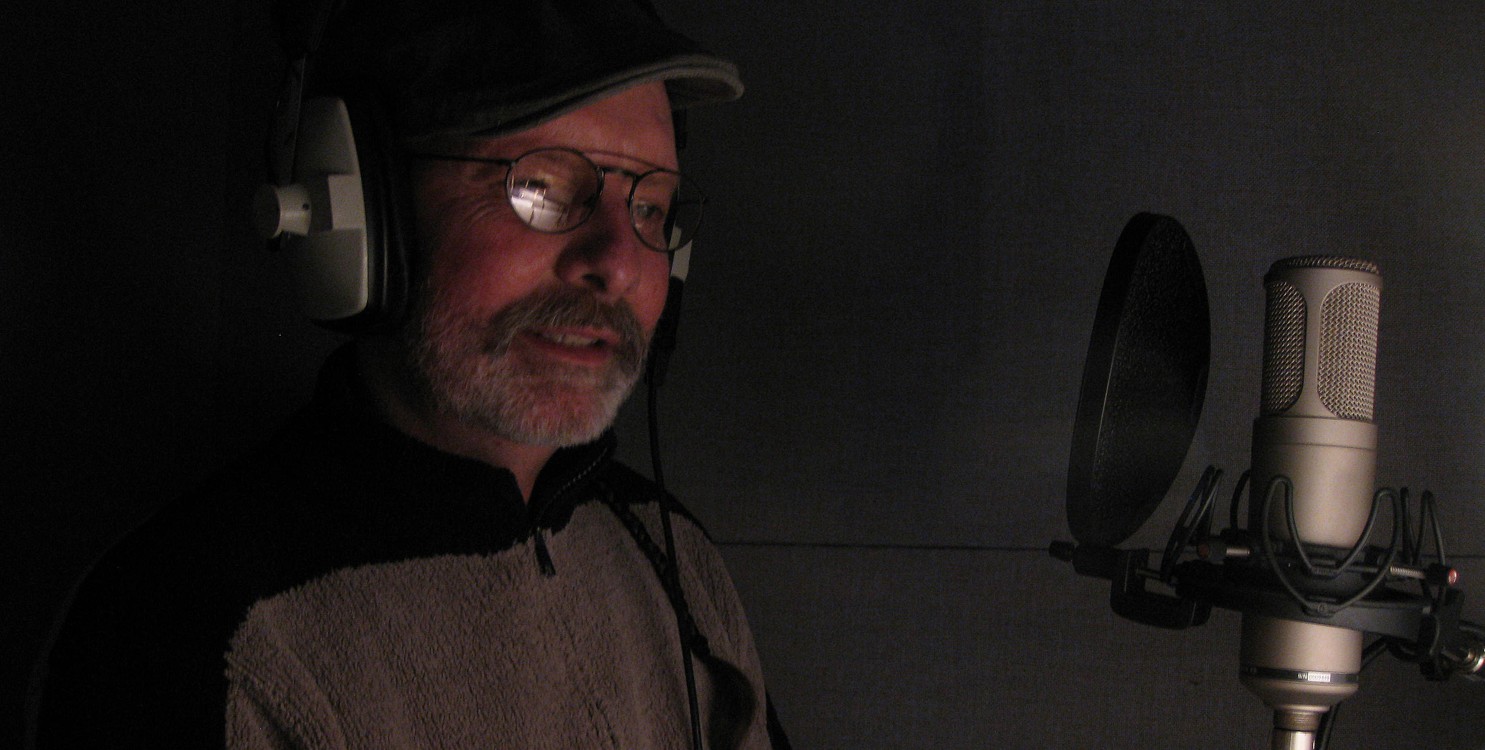
From her perspective as owner of Voice-Over Vermont and the principal voice talent for the company, Mary Catherine Jones has a keen ear for the deadly sins that bedevil the voiceovers in many business presentations. Whether you’re producing a voiceover for a DVD video tour of your manufacturing facility, narrating a guided tour of your software product, or trying to add some expressiveness to a business presentation, attention to a few key techniques can elevate your voice work from pedestrian to professional caliber.

Though she admits she may be talking herself out of prospective jobs, Mary Catherine believes that the best person to do the voiceover is often a person within the company—the owner or someone very knowledgeable and passionate about the product or service being offered.

“If you have someone in your company that can convey that interest and communicate passion in what they are saying,” she said, “then they are a great person to be doing the audio. But, they have to be able to convey that interest and passion. Sometimes folks are inhibited. We have all heard those commercials on television, maybe for furniture, where Joe says in a flat voice, ‘Hi, I’m Joe and we’ve got a really wide selection of sofas . . .’ And we’re thinking, ‘Oh, come on Joe, relax a little.’ If you could just sit down with Joe for 15 minutes, give him a little coaching, and get him to loosen up, then everybody is going to want to go to Joe’s. They pick up on the interest and excitement.”

“And,” Mary Catherine continued, “if you have somebody in your company who can communicate this kind of excitement, that is going to be better than even the best voice talent, because it is going to be authentic. There is, however, a certain minimum threshold that they have to be able to achieve technically before they are able to do that.”

With a diverse body of work that includes everything from smooth commercial fare to frantic animated characters in children’s tales, Mary Catherine shared her ideas for getting the best results when recording business narration and voiceovers.

Do you think that narration in business presentations is one of those things where ‘you only get one chance to make a first impression’?

Yes, exactly. If a company is putting audio and voiceovers out there—particularly if they are doing it on the Web or DVD where it is directed to the consumer or potential consumers—they have to be really careful. It is one thing to save money by doing voiceovers in house, but if you are putting something out there which conveys the image of your company and it is really dull or people are tripping over words, then you have lost the ability to make a good impression and you have probably created a negative one.

What are the worst problems that you hear in business voiceovers?

The way that people read is often not the way that they speak conversationally, so you sometimes hear a very monotone expression in people’s reading. While some scripts don’t give themselves so readily to conversational style, it is still important to keep interest in your voice and not just have it sound like you are reading something, because otherwise your audiences tunes out in about 3 to 5 seconds.

Poor sound quality is another common problem. Sometimes people will literally record something on their iPhone in a room that isn’t really meant for recording, and so it has this live, echoey sound in the background. This just sounds second rate and it can have a negative effect on the company’s image.

Similarly, folks that aren’t that familiar with recording can sometimes have trouble with just the distance from the microphone, whether it is the phone itself or an actual microphone. Their enunciation will either be overly enunciated, which will sound distorted on the sound track, or it can be under enunciated, so that it sounds like mumbling—making it very difficult to hear. Any time you are putting up an obstacle between the message you are trying to impart and the people you are trying to impart it to, then that is a problem.

People are sometimes wonderfully expressive when talking naturally in conversation, but then you give them a script and they lapse into a monotone reading voice.

I don’t know where that comes from, but I think it may start when kids are pretty young. I think that it has to do with the fear of messing up on the words and so they are putting all of their concentration into the reading part as opposed to the expression part. It often takes just a little bit of direction to say, “Are you aware of this is what this sounds like? Let’s bring a little life into it.”

Does it go to the other extreme where sometimes people are too expressive?

Oh, absolutely. That can definitely happen. But it’s only maybe one out of ten at that extreme. Every once in awhile somebody’s inner car salesman seems to come out inappropriately. It doesn’t take too much to work that down most of the time.

How do you mark up a script for a reading?

I mark up a script almost as if it was a piece of music that I was working on with a conductor. Only in this case, most of the time the conductor is myself (although sometimes I will be given direction by the clients that I am working for). I will literally make up the equivalent of a legato mark, so that I have one phrase where I know that is one entire phrase that I need to articulate in a particular way (as opposed to breaking it up in a more staccato fashion, which might be more bullet points or something like that).

There might be a trademarked phrase that is associated with a company that I want to set off vocally as that phrase, as opposed to just a series of words. Similarly, if I want something with more emphasis, I will either underline it or I will put forzando sign on top of it that comes from my music background. I translate that pretty fluidly onto a script.

Also, I will make breaks. I will sometimes write out a word phonetically if it is a word that I am having trouble with, particularly in a foreign language that might not come to my eyes and ears naturally. Instead of stopping every time I get to the word, if I write it out phonetically that really helps keep the flow.

Is it common to use the language of music in your profession?

It is pretty common for those folks who come from a musical background of some sort, whether it is instrumentation or vocals—just because it is such a common translation. But it not that much different than marking up a script if you come from an acting background or whatever it is that comes naturally to you. You can use a highlighter or something else. It is pretty self-explanatory when you get your own code in there. If you underline a word, that is pretty clear—I need to either pay attention to this word or I need to emphasize this word.

How important do you think equipment is to getting good results? A lot of people seem to try to get by using the built-in mics on their laptops.

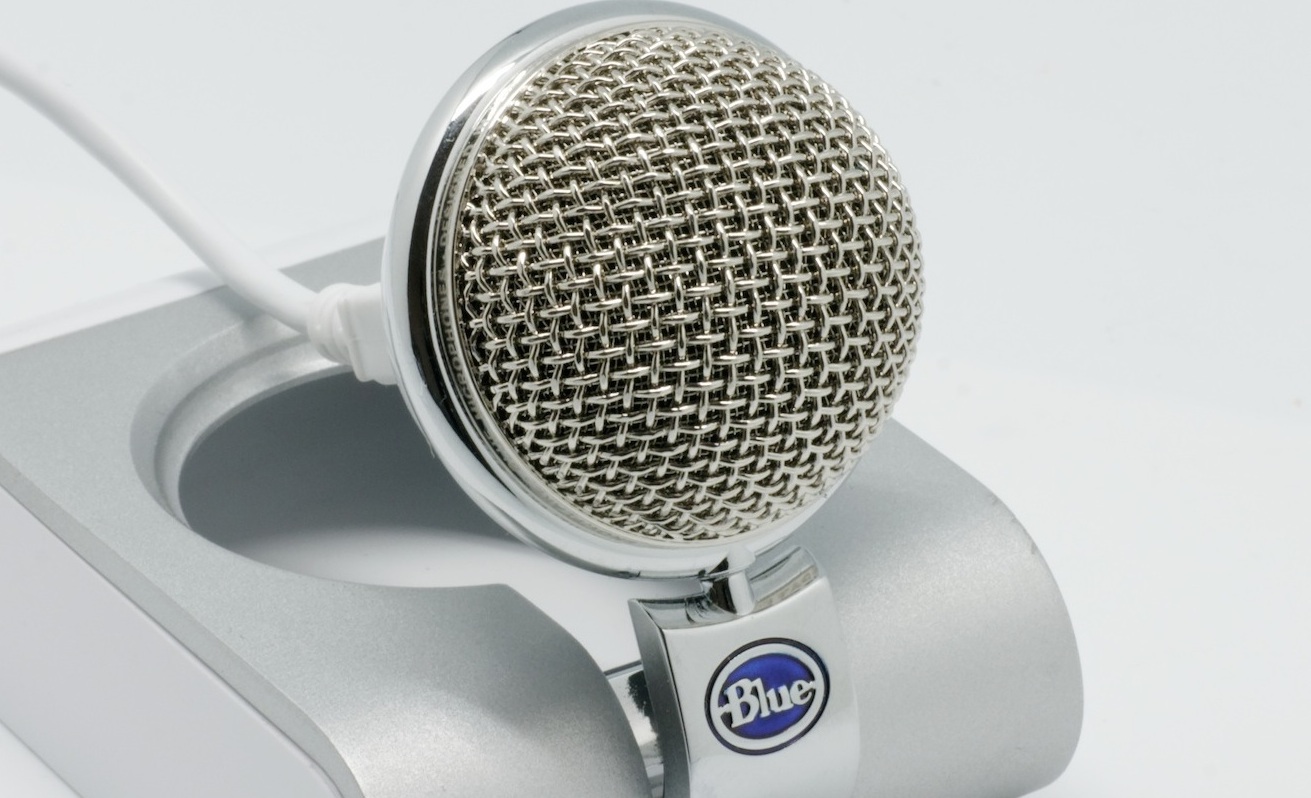
I think that is a really bad idea. That pretty guarantees a tinny sound that is going to pick up all the room noise. You can go pretty cheap and get a USB mic for $50 or $75 and just plug that in. It is going to be worth more than a couple hundred dollars in terms of the quality of sound that you are going to be able to get from that. That being said, this approach is still kind of entry level, but depending on what the purpose of the voiceover is, it may be adequate. If you are looking at something that is going to be running on Web applications that are already going to be a little bit jittery and maybe the picture quality is going to be at a certain level, and your voice is going to match that, then that is fine.

If you are trying to produce something that is going to air on radio or television or disc, those are completely unforgiving media. You are going to want to have real sound reduction in your recording space so that the only thing that is being recorded is the sound of your voice. That is going to require a greater level of investment. You can certainly do adequate voiceovers using Apple GarageBand or Adobe Audition or some of the other basic apps for Mac and PC. Those are going to be either free with your software or a pretty minimal investment. I use Pro Tools, which I highly recommend, and I think it is fantastic. But, now that they have gone up in price quite a bit, so what used to be a $350 investment is now going up to about 800 or 900 dollars.

You can get exceptional results if you complement Pro Tools or similar pro audio production software with a good industry-standard microphone and a solid recording space.

When recording, is it fair to say that a room with carpeting and cushioned surfaces is better than one with all hard, reflective surfaces?

The hard, reflective surfaces you don’t want. It becomes very, very live. It sounds like you are recording in an echo chamber. While it is fine if you are leaving a voice message for someone; you don’t want something that you are putting out there to the world to sound like you have recorded it on an answering machine.

When you record, do you listen to yourself on headphones to hear your voice as the computer is hearing it?

I do. I recommend doing that although some people feel that it inhibits them and their creativity. I think it is a matter of preference. For me, I like to hear exactly what the computer is picking up, because if I don’t have the headphones on, I might miss certain noises, such as the sound of a car going by, and I might not hear exactly how the microphone is picking up my voice.

You are definitely going to need a set of headphones for playback, even if you don’t wear them while you are recording. Make sure that you get flat-response headphones—designed for sound monitoring—as opposed to those we typically have lying around to listen to music (because those artificially boost the bass and won’t give you an accurate sense of your voice). I like the Sony MDR series headphones. You can also use studio monitor speakers, although in a work environment that can be disruptive to the people around you.

Do you get equipment recommendations from anyone?

I do. I have a contact at a company called Sweetwater and I can call up and because he knows that I do voiceovers and knows what I need to do with my voice, I can get useful recommendations. Some retail stores will let you audition microphones at home—recognizing that how a microphone sounds in their state-of-the-art recording space in the store is not necessarily how it is going to sound in your office or in your recording studio at home.

What type of microphone do you prefer for voiceover work?

I use a shotgun microphone. Depending on who you are doing the recording for and for what application, a shotgun mic very effectively eliminates a lot of the extraneous noise and picks up only the sound of your voice. For voiceovers, I think that is a really great feature; you are not going to be picking up on the ambient room noise quite as much. For me, I have a shotgun mic because it cuts down dramatically on road noise. I don’t live on a busy road, but occasionally we do get those big trucks that come by and so that definitely reduces a lot of that sound.

If a business decides that they would rather not do the voiceover work in house, how can they find professional voice talent?

I am a big fan of using people locally, because then you can develop a personal relationship and somebody can call up at the last minute and say, “hey, can you squeeze this in?”

You can post projects on what we call the pay-to-play Web sites, which would be voices.com or voice123.com. People who are posting jobs don’t pay anything, but they would post their position saying, for instance, they are looking for a female narrator, voice age 35 to 45 for technical narration or whatever it is. Or, need a warm, lively feminine and put in those descriptors. An audition call goes out for people who would meet those baseline criteria. Then you can literally—right there in your inbox—listen to anywhere from 5 to 50 auditions and pick who you like and who fits your budget.

Also, I would say that your state’s film commission would be another place where voice artists might be posting. And, depending on the size of your state, you might have a good talent agency that is also working with local talent.

One of the things that you’ve talked about on your Web site is the wide variety of voices you have on command. Is that common for voice talent or is it more your specialty?

I think that most talent will have a certain range of voices. Mine is a little bit wider only because of the children’s work that I do. Most people for narrations aren’t going to need a female duck voice for animation or something (it might come in handy). And that is because I did so much storytelling and I still do. I still volunteer in our library once a week and keep my chops up with these different kinds of things. I think that there is a standard kind of character that comes out depending on the kind of narration. For me anyway, there is the no-nonsense businesswoman. There is sort of the warm, motherly informative voice that comes out. There is the neighborly voice. Those are standards that I think most people who are doing this will also have in their stable.

So there is definitely an element of the same kinds of qualities that I guess an actor has to have to be able to slip into a different persona to fit the atmosphere and tone.

Yes, definitely.


To summarize, if you’re ready to take a shot of doing your own voiceover work, here are the key points to keep in mind:

  • Invest in a reasonably capable recording setup that includes—at a minimum—a USB microphone and entry level or beyond audio production software. Don’t try to get by using your laptop’s built-in mic or one of those cheap plastic mics that come with some recording software packages.
  • Find a place to record where extraneous noises are minimal and there is some carpeting and cushioning to dampen the sound. Hard floors, walls, and ceilings create a sound that is too live and echoey.
  • Listen to yourself with headphones as you record and be conscious of both your voice and surrounding sounds.
  • Play back your voice work using monitor headphones or studio monitors so you’ll hear an accurate rendition of the recording.
  • Speak in a natural, expressive voice and consciously avoid slipping into that deathly monotone that some readers use. Have someone coach you, if necessary, to help bring out your natural conversational tone when reading a script.
  • Be enthusiastic and engaged with your subject matter. Your listeners will pick up on your level of interest and pay attention to your words.

It’s all about passion, precision, and engagement. Good luck in your voice recording projects.

Reposted courtesy of Disc Makers


Comments OffTags: ····

The Enhanced Book Gets Real with “Our Choice”

May 7th, 2011 · Apple, computer history, e-readers, electronic publishing, iPad, renewable energy, sustainability, technology

our_choice_one

The promise of enhanced ebooks has been around since the first text flickered on a computer screen, but this promise has rarely been realized in practice. Most past efforts to create computer-based books with embedded digital media elements have been cumbersome, slow, difficult to navigate, and—all in all—not worth the effort. An entire industry rose and fell around this concept as “interactive” publishers tried to figure out how to use the capabilities of CD-ROMs to maximum advantage. While some of the pioneering titles were interesting and hinted at the potential, many of these attempts were like strange animal hybrids, dogs with wings and duck feet or rabbits with multi-faceted spider eyes and tentacles. The pieces just didn’t fit together that neatly.

A new app for the iPad, Our Choice: A Plan to Solve the Climate Crisis, based on Al Gore’s print-published work of the same name, shows genuine polish and cohesiveness in its execution. The main difference from earlier works is the fluid, natural means for navigating the book using the familiar iPad gestures: sweeps, pinches, double taps, and so on. As Mike Matas points out in the TED video below, “Anything that you see in the book you can pick up with two fingers and lift off the page and open up. If you want to go back and read the book again, you just fold it back up and put it back on the page.”

As to enhancements, the book includes over an hour of documentary footage and animations. Infographics make it easy to dip into the facts and figures underlying the book’s solutions, such as the map of the U.S. that lets you zoom in and explore wind potential state-by-state.

With tablet sales beginning to cut into e-reader sales (primarily Apple’s iPad siphoning off sales from the Kindle) the greater functionality of the tablet comes into play, making it far easier to intersperse animations, videos, expanding graphics, geolocation maps, and other elements into a vastly improved navigation system. It’s much like flipping through the pages of book, but better (yes, enhanced) in certain ways, letting you launch a video with a single tap, listen to background narration, or view an animation that shows how solar panels work. The fluid nature of the navigation makes a big difference, making the multimedia components an integral part of the book rather than something tacked on as an afterthought.

our_choice_five

In terms of content, Gore’s survey of climate change issues generally does a very good job of focusing on the primary causes of greenhouse gas emissions (including animal agriculture, which is often overlooked in other analyses). The solutions he proposes, however, could use some work, as the traditional high-tech pipe dreams of clean coal and nuclear power are presented in glowing terms, while the promising possibilities of microgeneration, the fastest growing sector in the energy industry, get short shrift.

What we lack now is a consistent publishing tool, a way for the eager legions of ePublishers to exploit the capabilities of the iPad and other tablets, such as Motorola’s Xoom and the BlackBerry PlayBook. Adobe’s hammerlock on publishing tools offers rudimentary paths for interactive ebook creation, but it would be a far more useful scenario if Push Pop Press fulfills their promise of licensing this technology for everyone’s use. And as e-readers become more like tablets (consider the latest Nook Color) and tablets gain faster processors, higher resolution screens, and more memory, enhanced ebooks appear likely to enter the mainstream of ePublishing in the very near future.

Here’s a video of Mike Matas, one of the founders of Push Pop Press, offering insights on the creation of the Our Choice app.

Comments OffTags:

Presentation tools are getting better

May 2nd, 2011 · presentations

I invested some time yesterday investigating the presentation capabilities of Apple Keynote and was pleasantly surprised at the results. The transitions between slides are clean and professional. The animated effects are top-notch. After a bit of orientation, the interface makes it very easy to adjust timing, add audio, and tweak the overall presentation. For anyone trying to put together a professional-caliber presentation, Keynote is a pretty good tool with a minimal learning curve.

Also spent some time with Microsoft Powerpoint for Mac 2011, which is much more capable than previous versions. But, the polish and ease-of-use, IMHO, are not quite up to Keynote.

See what you think . . .

Comments OffTags: ··

Is this the year of the ebook?

January 22nd, 2011 · Amazon, Barnes & Noble, e-readers, ebooks, electronic publishing, technology

Sun rising in the ebook realm?

Are you ready to strike it rich with ebooks? Sorry, you’ve come to the wrong post. The world of pork belly futures and other commodity speculation is best left to those deep-pocketed captains of industry who think they can catch the scent of market trends like a sniffer dog can hone in on the illicit powder in that suitcase coming down the cargo ramp.

But, clearly something is going on in the ebook realm to make publishers, authors, book distributors, and others whose living involves the written word sit up and take notice. What can we make of it?

A few facts and figures give some insight into the changing publishing landscape.

ZDNet notes that eBook Sales Trending Up. The article points to Adam Dewitz’s Print CEO blog with more facts and figures, including the inevitable forecast:

Evidence showing a upward spiral in eBook usage continues to be reported. Forrester has published a five-year forecast for eBooks in the US. According to Forrester: 2010 will end with $966 million in eBooks sold to consumers and they forecast the industry will nearly triple to almost $3 billion by 2015

E-reader sales are strong, too, as shown in this article from SFGate:

Amazon sold about 7.1 million Kindle e-readers last year, Barclays analyst Doug Anmuth estimates today in a note, and will sell 12.3 million this year. (“Though our numbers may still be conservative.”)

Kindle sales (devices and content) will reach $3.3 billion this year, almost 8% of Amazon’s revenue, Anmuth estimates, and more than $7 billion in 2013, representing 11% of Amazon’s revenue.

Established authors benefitted from the momentum. For example, Nora Roberts surpassed 1 million Kindle sales (more precisely, 1,170,539 by 11 JAN 11). With this milestone, she joined the ranks of another living author, James Patterson, and one whose estate will benefit, Steig Larsson, as members of the Kindle Million Club.

The big boys, Amazon and Barnes & Noble, are clearly riding the ebook wave. Barnes & Noble joined Amazon in announcing that they now sell more digital books than physical books through their online store. And, their e-readers are also spurring strong sales, as reported by Mashable:

Hot on the heels of Amazon’s announcement that the Kindle 3 is its bestselling product in history, Barnes & Noble is reporting today that its line of Nook e-readers are also hot items — the biggest sellers in the retailer’s 40-year lifespan.

The new NOOKColor, apparently, is a particularly popular seller, as B&N says that it was the number-one selling gift of the holiday season.

Established authors are beginning to abandon traditional publishing houses and sell direct, as noted by Michael Ashley in The Huffington Post:

Seth Godin, a best-selling author who has been in the publishing industry for more than two decades, announced this past summer that he was dropping his publishing house and instead planned to sell his future books directly to his audience. He later announced his newest publishing vision with Amazon, the Domino Project, which will change many of the rules traditionally tied with publishing trade non-fiction. In a recent blog post, Godin writes about getting rid of what he calls the “middleman,” also known as bookstores, which have a limited amount of shelf space.

Indie authors and independent publishers are finding new ways to get their voices heard, as Emily Hill relates in this Independent Publisher article:

My library soon expanded with titles like “Publishing for Dummies,” and my time in front of eHow and Askville increased. I read blogs, networked and began penciling out a sequence of what one needed to know in order to independently publish. I kept folders, met vendors, and slowly the vision of being not only an author, but also a publisher began to take shape. I joined independent publishers’ associations and followed the message boards of small press and indie-authors. I knew that my future was in independent publishing. I methodically built a one-step-at-a-time process for independent publishing, from writing, to copyright, editing, and marketing. I studied eCommerce, ePublishing, and print on demand print options. My file folders grew to include information on BookBrewer, BAMM, royalty agreements, and formatting sell sheets.

Emily Hill now has a novel out, Jenkins: Confederate Blockade Runner, for the Nook and Kindle, as well as a book on self publishing.

So, maybe this is the year of the ebook. Or, maybe that title will apply more accurately next year. In the meantime, these are interesting times for nimble publishers and intrepid authors. There are abundant opportunities for those who navigate the market possibilities like sailors, sensitive to the shifting variations in the wind direction, adjusting when the wind vane on top the mast shows change. The publishing behemoths, as is their nature, will pick a point on the horizon and steer their massive freighters toward that point and hope that market prognostications and predictions serve them well. The rest of us will wet our thumbs, raise them to the wind, and sharpen our intuitions as we follow the developments in epublishing.

May the wind fill your sails this year and inspire your epublishing ventures. We’ll be here to offer the perspectives and insights that might help to guide your journey.

Comments OffTags: ····